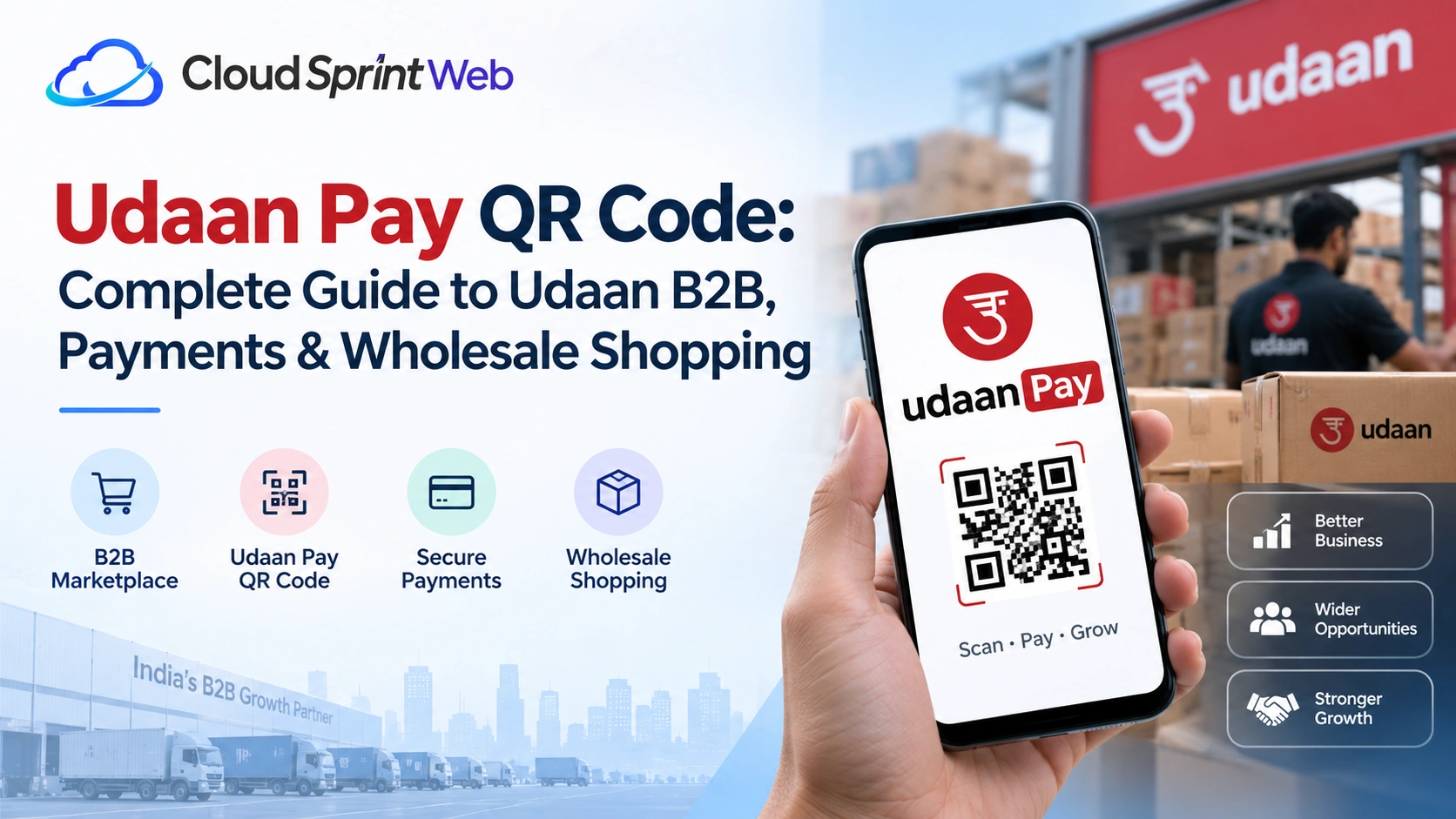
If you’re searching for the Udaan Pay QR code, you may already be using Udaan to purchase products for your business—or you may be trying to understand how Udaan’s payment system works.
Udaan is an eB2B platform designed for businesses and shop owners in India. Its platform allows eligible business buyers to discover products, place orders, manage deliveries, and use available payment options through the Udaan ecosystem. The company currently describes its app as an eB2B platform for businesses and shop owners, with the app available on Android and iOS.
But what exactly is the Udaan Pay QR code? How does Udaan payment work? Is Udaan a wholesale shopping app? And what is the difference between the Udaan B2B app and other shopping platforms?
Let’s break it down.
What Is Udaan Pay QR Code?
The term Udaan Pay QR code is commonly used when people search for a QR-based or digital payment option associated with Udaan.
However, users should distinguish between Udaan’s general payment services and a specific QR-code feature. Udaan’s official payment information confirms that the platform supports multiple payment methods, including cards, net banking, NEFT, RTGS, IMPS, and Cash on Delivery. Available payment methods can depend on the platform and transaction.
If a QR payment option is displayed inside your current Udaan account or payment flow, use the QR code shown by the official Udaan platform rather than relying on QR codes shared through unofficial websites, social media posts, or messages.
Why Is a QR Payment Useful?
QR-based payments can make digital transactions easier because users can scan a code through a supported payment application instead of manually entering payment details.
For business buyers, convenient digital payments can be especially useful when purchasing products regularly.
Always verify:
- The payment amount
- The recipient or merchant details
- The order information
- The payment status
- The confirmation shown by the official platform
Never scan an unknown QR code simply because it claims to be an “Udaan Pay QR code.”
How Does Payment Work on Udaan?
Udaan provides different payment options for transactions on its platform.
Its official payment page lists support for credit cards, debit cards, net banking, NEFT, RTGS, IMPS, and Cash on Delivery. Udaan also states that online transactions use security measures including encryption and payment gateways.
The exact payment choices available to you can vary depending on the transaction and the options presented during checkout.
A typical purchasing journey looks like this:
Sign in → Find products → Add products to cart → Place order → Select an available payment method → Complete payment → Track order
The important point is to complete payment through the official Udaan platform and verify the transaction before considering the order paid.
How to Use a Udaan Pay QR Code Safely
If a QR payment option is available to you through an official Udaan payment flow, follow these general precautions.
1. Open the Official Udaan App or Website
Use the official Udaan application or website rather than a QR code sent by an unknown person.
Udaan currently provides an official app for its eB2B platform, with Android and iOS availability listed on its website.
2. Check the Order Details
Before making any payment, check:
- Order number
- Product details
- Total amount
- Applicable charges
- Payment recipient
This is especially important for business transactions where order values may be significantly higher than everyday consumer purchases.
3. Verify the QR Code
If a QR code is presented as part of the payment process, make sure it comes from the official Udaan payment flow.
Don’t use screenshots or QR codes from unknown sources.
4. Confirm the Payment
After completing a payment, wait for the payment confirmation.
Don’t immediately make another payment if the first transaction appears delayed.
Instead, check your order and payment status first.
5. Keep the Transaction Record
For business purchases, retain relevant payment and order information.
Invoices, transaction references, order IDs, and payment confirmations can be useful if you need to contact customer support later.
What Is Udaan?
Udaan is an Indian business-to-business commerce platform focused on helping small businesses and retailers source products.
According to Udaan’s current official About page, the company was founded in 2016 and operates across categories including FMCG, staples, fruits and vegetables, and pharma. It describes its platform as an eB2B marketplace connecting retailers, suppliers, and brands.
The platform is designed around business purchasing rather than ordinary consumer shopping.
For example, a retailer may use Udaan to source products for their shop instead of visiting multiple wholesale markets.
Udaan’s current website highlights categories such as food and FMCG and healthcare and pharma, along with wholesale pricing, delivery, returns, and business credit features.
What Is the Udaan B2B App?
The Udaan B2B app is the mobile application through which businesses and shop owners can access the Udaan platform.
Udaan currently describes its application as an eB2B app and says it is available on Android and iOS.
The app is designed to help business buyers:
- Discover products
- Compare available products and pricing
- Place orders
- Track deliveries
- Manage purchases
- Access available payment options
- Manage eligible credit facilities
Udaan’s website also highlights mobile-only deals and features for repeat ordering and delivery tracking.
Is Udaan a Wholesale App?
Yes, Udaan operates as a B2B wholesale platform rather than a conventional consumer shopping marketplace.
Its official website promotes wholesale pricing and sourcing directly through its platform. It also states that businesses can purchase products in smaller lots according to their requirements, rather than necessarily buying very large quantities.
This makes Udaan particularly relevant to businesses such as:
- Kirana stores
- Retail shops
- Chemists
- Hotels
- Offices
- Other eligible business buyers
The exact product availability and terms depend on the business, location, category, and current platform offerings.
Udaan Wholesale App: How Does It Work?
The Udaan wholesale app helps business buyers source products digitally.
Instead of physically visiting several wholesale markets, a buyer can browse products through the platform, review available information, place an order, and arrange delivery through Udaan’s ecosystem.
Udaan currently highlights direct sourcing, wholesale pricing, doorstep delivery, seller information, transparent pricing, and buyer protection features on its buying page.
Why Businesses Use a Wholesale Platform
Traditional wholesale purchasing can involve:
- Visiting multiple markets
- Calling different suppliers
- Comparing prices manually
- Arranging transportation
- Managing invoices
- Following up on orders
A digital B2B platform can bring several of these activities into one workflow.
Udaan Shopping App vs Consumer Shopping Apps
The phrase Udaan shopping app can be confusing because Udaan isn’t primarily positioned as a general consumer shopping application.
Its current platform is focused on B2B purchasing for businesses and shop owners.
That means the purchasing experience is built around business requirements such as:
- Wholesale sourcing
- Product availability
- Business orders
- Commercial invoices
- Delivery
- Payment
- Credit options for eligible buyers
So if you’re looking for an app to purchase products for your shop or business, Udaan may be relevant. If you’re simply looking for everyday personal shopping, a consumer marketplace may be more appropriate.
What Can You Buy on Udaan?
Product availability changes, but Udaan currently highlights categories such as:
Food and FMCG
Businesses can source everyday products and staples through the platform.
Healthcare and Pharma
Udaan also operates in healthcare and pharma categories, subject to applicable requirements and availability.
Staples
Staples and everyday business inventory are among the categories promoted on the platform.
Other Business Products
The catalogue can change based on location, suppliers, inventory, and business requirements.
For the latest selection, buyers should check the current Udaan app or website.
Udaan Payment Options
Udaan’s official payment page lists several payment methods, including:
- Credit card
- Debit card
- Net banking
- NEFT
- RTGS
- IMPS
- Cash on Delivery
The payment options displayed to a buyer may depend on the order and current platform availability.
Udaan’s terms also state that payments may be processed through Udaan or integrated third-party payment service providers.
Is Udaan Payment Secure?
Udaan states on its payment page that online transactions use security measures and secure payment gateways.
Still, users should follow normal digital-payment precautions:
- Never share an OTP with another person.
- Don’t share your UPI PIN.
- Don’t approve an unknown payment request.
- Verify the payment recipient.
- Use the official Udaan platform.
- Keep transaction records.
- Contact official support if a payment issue occurs.
Remember: you generally do not need to enter a UPI PIN to receive money. Be especially cautious if someone tells you that you must enter your PIN to receive a refund or payment.
What If Your Udaan Payment Fails?
A failed or pending payment doesn’t necessarily mean you should immediately try again.
First:
- Check your bank or payment application’s transaction status.
- Check the Udaan order status.
- Look for a payment confirmation.
- Save the transaction reference.
- Avoid making duplicate payments.
- Contact Udaan support if the status remains unclear.
Udaan provides customer support for order and account-related issues through its official contact channels.
What If You Cannot Find the Udaan Pay QR Code?
If you’re specifically searching for an Udaan Pay QR code but cannot find one, don’t use a QR code obtained from an unofficial source.
The available payment methods and payment interface can change.
Instead:
- Open the current Udaan app.
- Go to the relevant order or payment section.
- Check the payment options presented there.
- Follow the instructions displayed by Udaan.
- Contact official Udaan support if you believe a payment option should be available but isn’t.
This is safer than searching online for a random QR image and using it for a payment.
Udaan B2B App: Benefits for Business Buyers
The Udaan platform is built around the needs of small businesses.
Some of its key benefits include:
Wholesale Pricing
Udaan promotes access to wholesale prices across a large product catalogue.
Product Discovery
Businesses can discover products from multiple suppliers through one platform.
Delivery
Udaan works with logistics partners to support delivery and shipment tracking.
Business Credit
Eligible users may have access to business credit or financing options. Udaan’s current website highlights business credit as one of its platform features.
Digital Payments
Multiple payment options can make purchasing easier for businesses.
Udaan Pay QR Code: Important Safety Tips
If you’re searching for a QR code because someone has asked you to make a payment, take a moment before scanning it.
Check the recipient
Confirm that the payment recipient matches the transaction you are trying to complete.
Never share your UPI PIN
A UPI PIN is used to authorize payments. It should not be shared with another person.
Don’t trust random QR images
A QR code posted on an unofficial website isn’t automatically an official Udaan payment code.
Verify payment status
A successful payment should be verified through your payment application, bank, or official Udaan transaction status.
Keep business records
Save invoices, order IDs, transaction references, and payment confirmations for accounting and dispute-resolution purposes.
Frequently Asked Questions About Udaan Pay QR Code
The term Udaan Pay QR code generally refers to a QR-based payment option associated with Udaan. However, users should verify whether a QR payment option is currently presented within the official Udaan payment flow rather than relying on third-party QR codes.
Udaan supports multiple payment methods, including cards, net banking, NEFT, RTGS, IMPS, and Cash on Delivery, according to its current official payment information. The available option depends on the transaction and platform.
The Udaan B2B app is the mobile application for Udaan’s business-to-business platform. Udaan currently lists its app as available for Android and iOS and positions it for businesses and shop owners.
Udaan is used by businesses to discover and purchase products, manage orders, arrange delivery, and access available payment and business-financing options through its B2B platform.
Udaan is an eB2B platform that supports wholesale purchasing for businesses. Its website highlights wholesale pricing, direct sourcing, delivery, and other services designed for business buyers.
Udaan’s terms describe its platform as being for business-to-business commercial purposes. Users should review the current terms and eligibility requirements before using the platform.
Final Thoughts
The search for Udaan Pay QR code usually comes down to one thing: finding a convenient and reliable way to complete a Udaan-related payment.
Udaan is primarily a B2B platform for businesses and retailers, offering product sourcing, wholesale purchasing, delivery, and multiple payment options. Its current app is designed around business buying rather than conventional consumer shopping.
If you’re making a payment, always use the official Udaan app or website, verify the transaction details, and avoid QR codes or payment instructions from unknown sources.
For the latest payment options, account assistance, or order issues, check the current information provided directly by Udaan.

Cloud Sprint Web is a Web Development Company in Ahmedabad helping businesses build modern, responsive, and SEO-friendly websites that deliver real results.